a new way to live
Freeway pays an annual subscription to enable families to access media from RightNow Media (RNM)
To gain access, you will need to be part of the Freeway community, and then simply follow these steps:
- Request an invitation by contacting one of the leadership team, of by using the RightNow Media request card on Church Connect, but you will need to login to Church Connect.
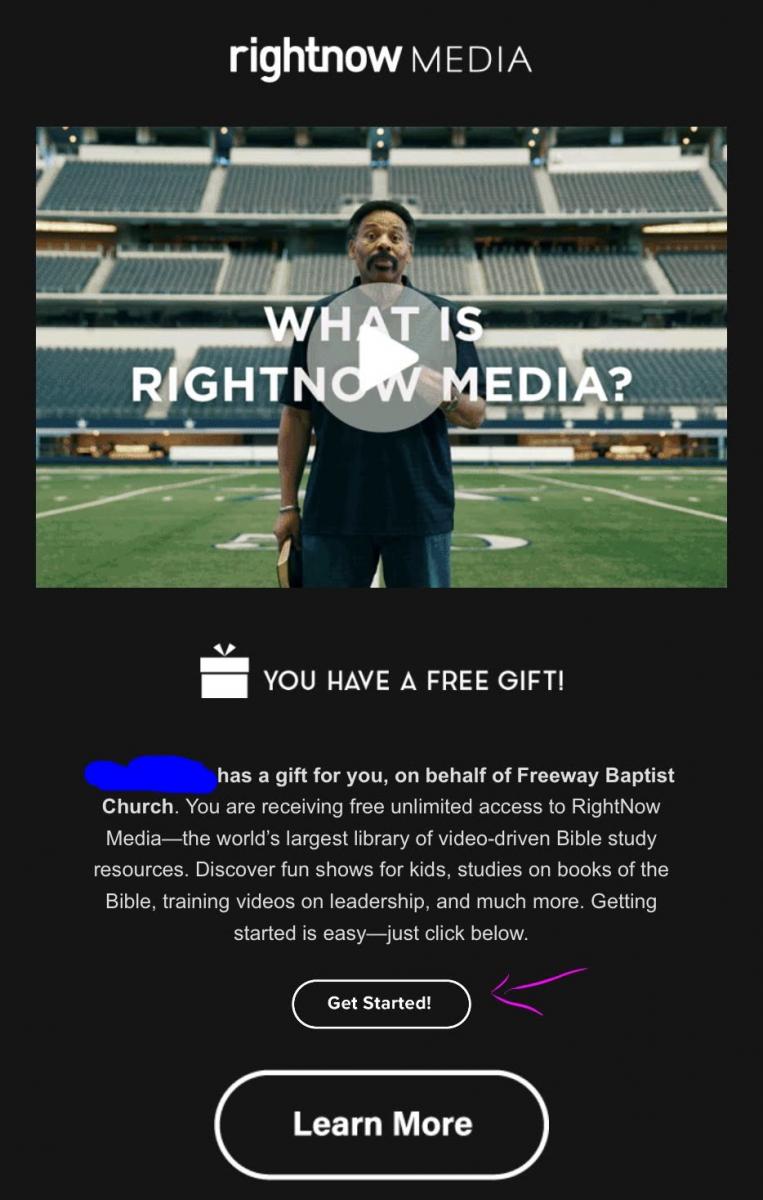
- Check your inbox for an email invitation from RNM.

- click on the invitation link in that email.
- Click on "Get started" button
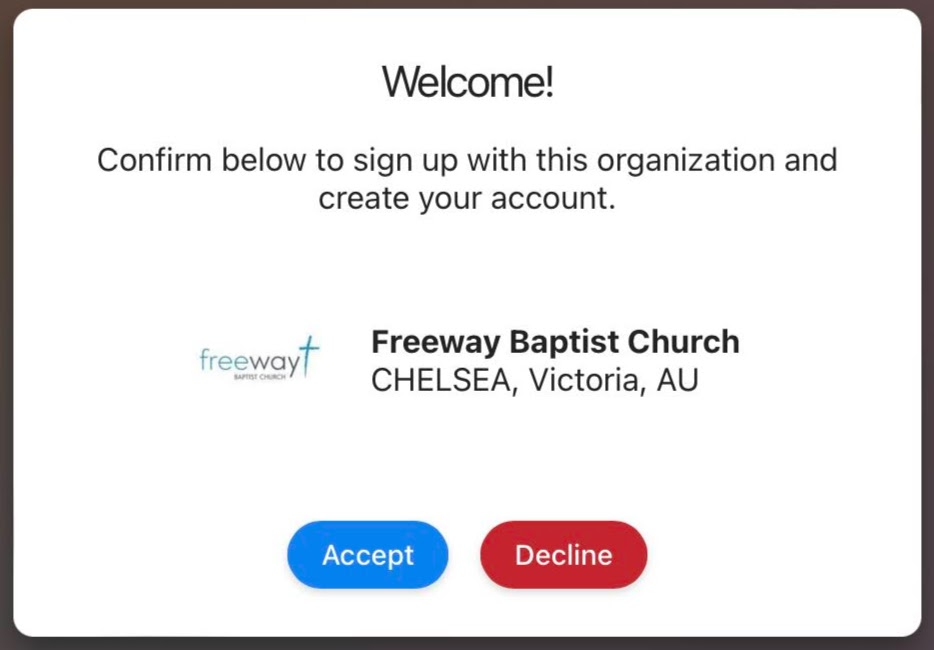
- Acvcept the Invitation
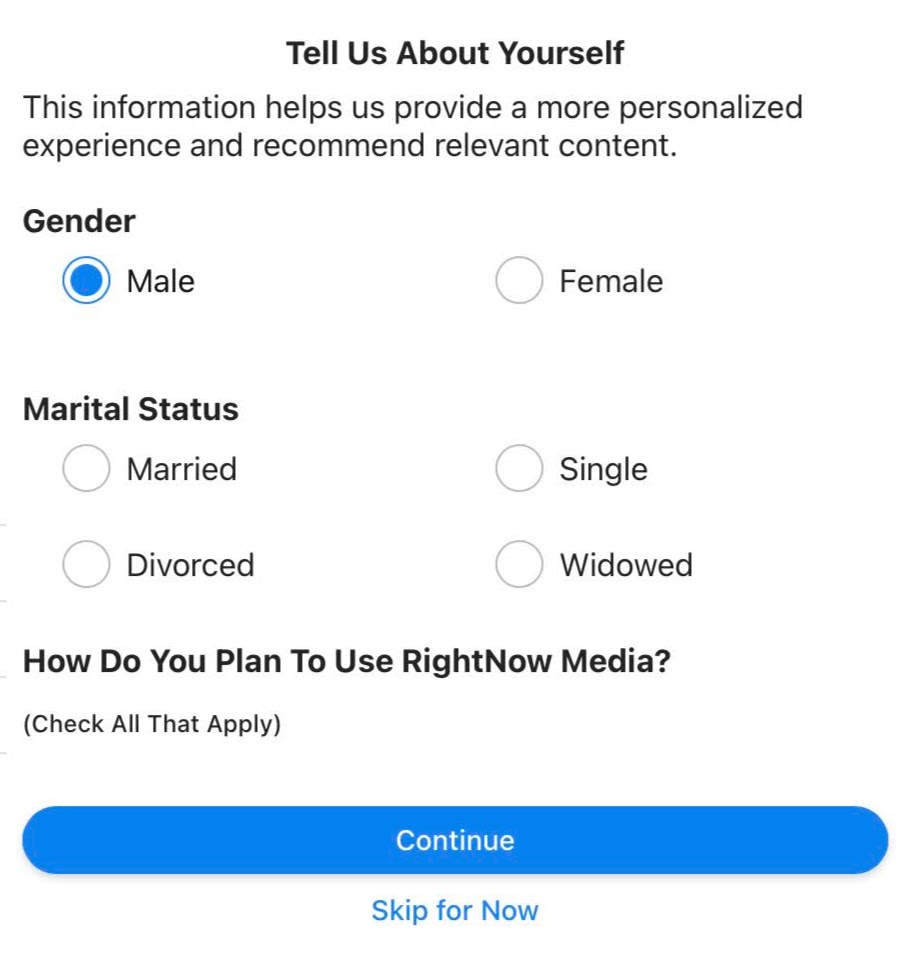
- Enter your profile details.
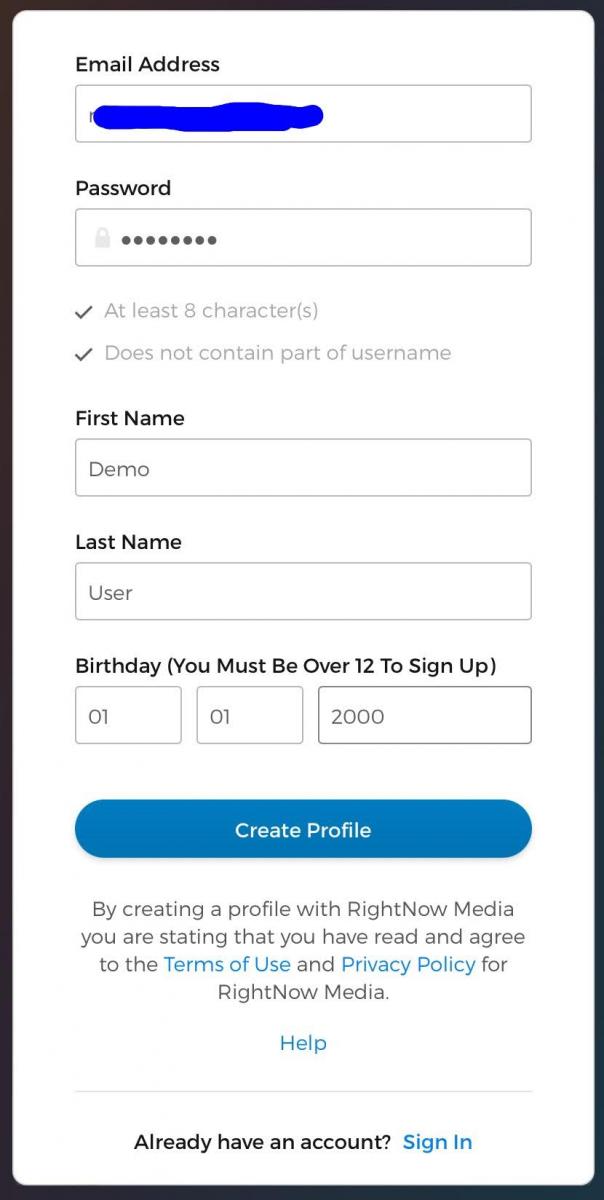
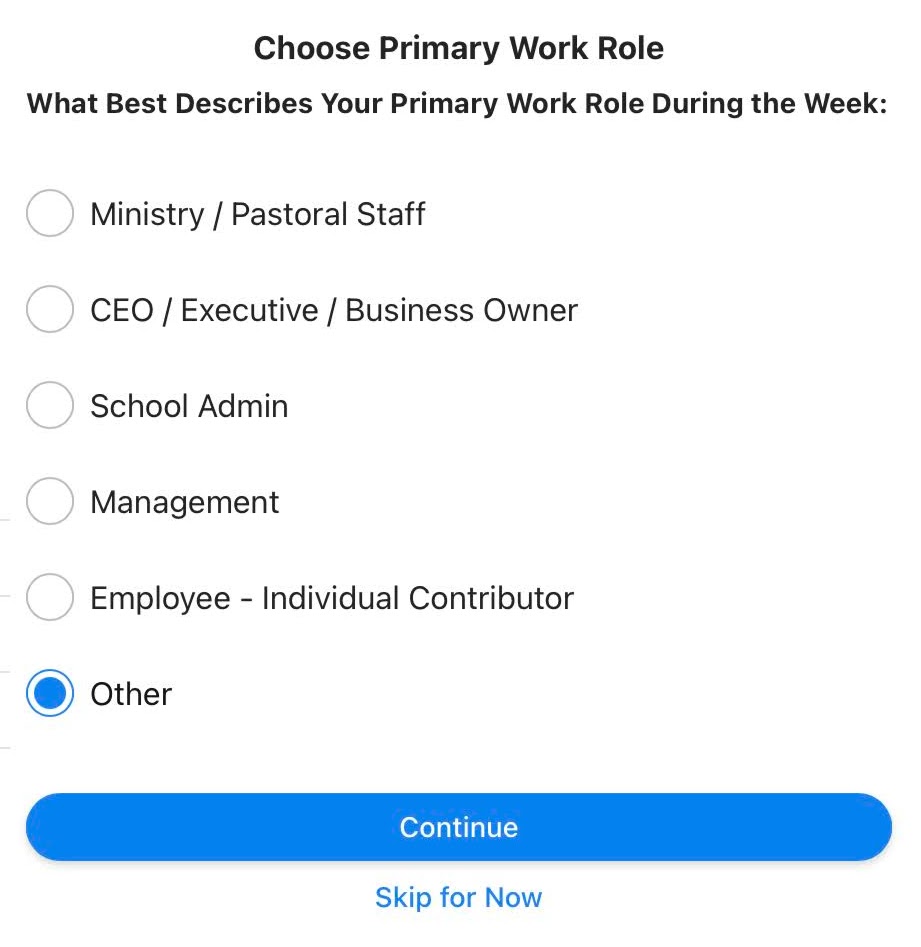
- Creaqte your Profile and set your interest options.
- Download the appropriate free App for your phone or tablet, or click the blue button to start browsing RightNow Media on your computer.

Random FAQs
- What is the difference between a Smart List and a Custom Report? (Admin Use Only)
- How do I link to OneDrive folders or files?
- How do I start Live Streaming a Freeway service?
- How do I set-up registration for an Event? (Admin use only)
- How does the Worship Team operate at Freeway?
- What happens when someone unsubscribes from emails or SMS Text messages? (Admin use only)